
Cyber security is no longer just an IT issue.For a small business, a cyber-attack can mean lost money, disrupted operations, stolen customer information and a lot of time spent trying to recover.The good news is that improving your small business cyber security does not have to be complicated or expensive.
Many of the most effective steps are simple measures such as using multi-factor authentication, keeping software updated, backing up important information and making sure your staff know how to spot scams.
The Australian Signals Directorate’s Australian Cyber Security Centre (ASD’s ACSC) reported more than 84,700 cybercrime reports in 2024–25.The average self-reported cost of cybercrime for a small business was approximately $56,600, up 14% from the previous year. (Cyber.gov.au) For a small business, that can be a significant financial and operational hit.
Why Small Businesses Need to Take Cyber Security Seriously
Cyber criminals do not only target large organisations.Small businesses can be attractive targets because they often hold valuable information while having fewer resources available for cyber security.
Common threats include:
- Phishing emails and text messages
- Business email compromise
- Fake invoices and payment requests
- Stolen passwords
- Ransomware
- Malware
- Website attacks
- Identity theft
- Unauthorised access to cloud accounts
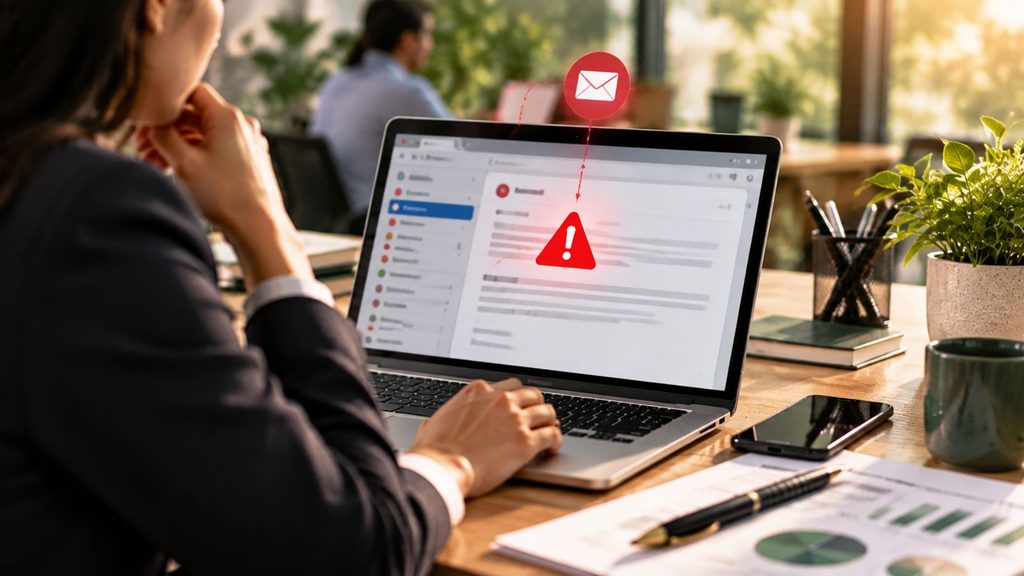
Tip: Don’t assume an email is genuine
If an email asks you to change bank details, make an urgent payment or provide sensitive information, stop and check. Call the supplier or customer using a phone number you already have, rather than replying to the email or using contact details included in the message.
Start With Multi-Factor Authentication
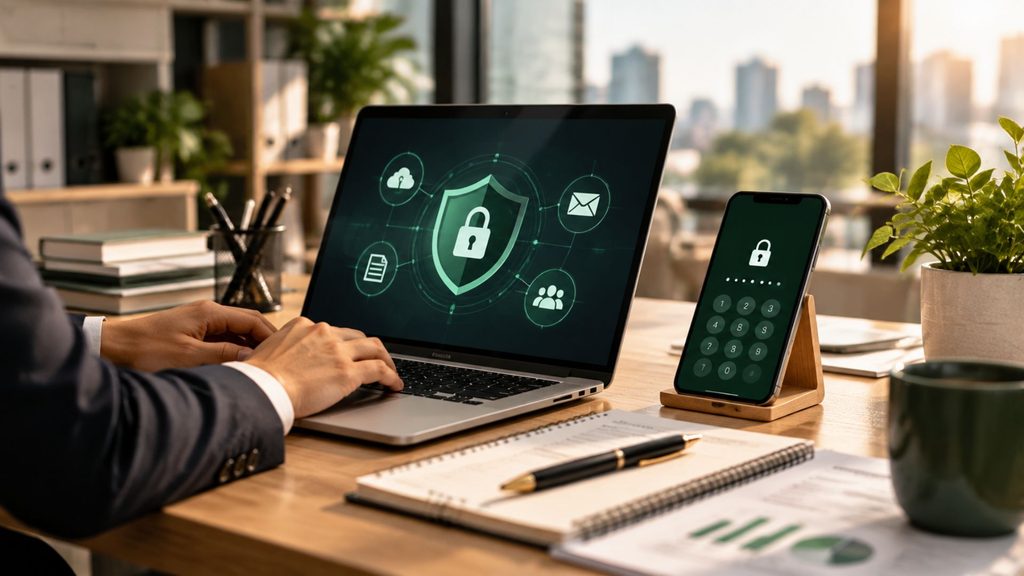
One of the simplest ways to improve your cyber security is to turn on multi-factor authentication (MFA). MFA requires more than just a username and password to access an account. For example, you may need to enter a code from an authentication app after entering your password. The ASD recommends MFA as one of the most effective controls for protecting online services, systems and data.
Start with your most important accounts, including:
- Business email
- Accounting and bookkeeping software
- Online banking
- Cloud storage
- Microsoft 365 or Google Workspace
- Website administration
- Social media accounts
Small business tip:
If an account offers MFA, turn it on rather than waiting for a cyber incident to happen.
Use Strong, Unique Passwords
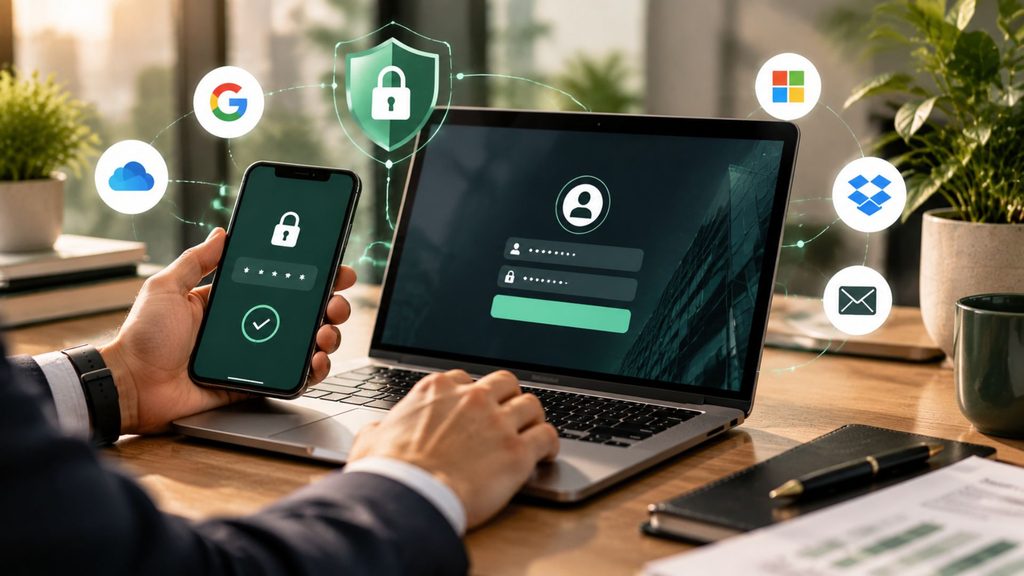
Using the same password across multiple accounts creates an unnecessary risk. If one account is compromised and you have reused that password elsewhere, criminals may try it against your email, accounting software, cloud storage or other business systems. The ASD recommends using strong passwords or passphrases and a password manager to create and store unique passwords.
A practical approach is to:
- Use a different password for every important account
- Use long passphrases
- Avoid sharing passwords between staff
- Use a reputable password manager
- Change passwords if you believe an account has been compromised
Keep Your Software and Devices Updated
Software updates are not just about adding new features. They often fix security weaknesses that criminals could use to access your systems.
Make sure you regularly update:
- Computers and laptops
- Phones and tablets
- Accounting software
- Operating systems
- Internet browsers
- Wi-Fi routers
- Website software and plugins
- Security software
Where possible, turn on automatic updates.
Small business tip:
If an old computer, server or software package is no longer supported with security updates, talk to your IT provider about replacing it.
Back Up Your Important Business Information
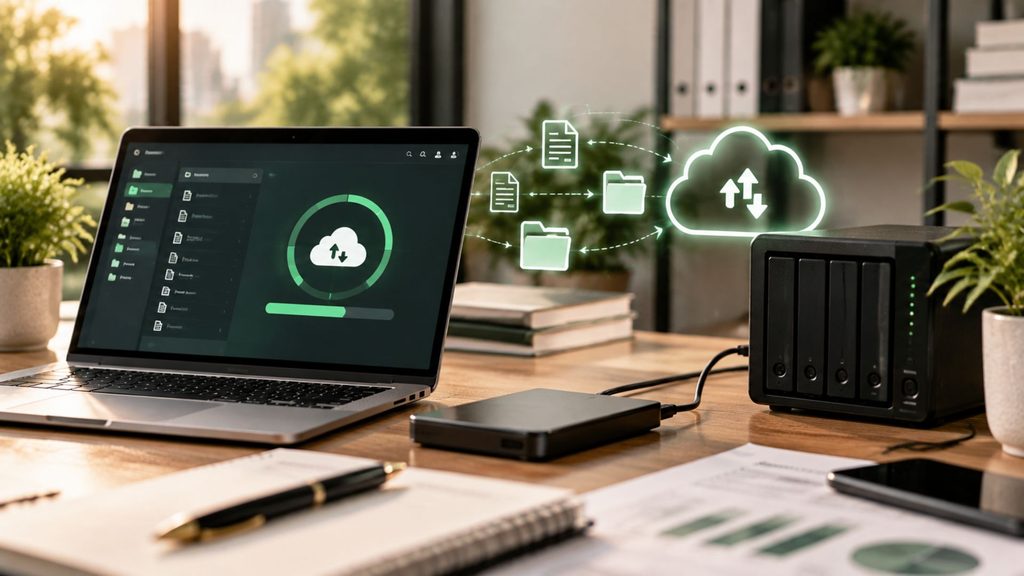
Imagine losing access to your accounting records, customer files, invoices and other important documents tomorrow. Could your business continue operating? Regular backups can make the difference between a serious disruption and a much faster recovery. The ASD recommends that businesses back up important information regularly and, importantly, test that the backups can be restored.
Your backup plan should consider:
- What information needs to be backed up
- How often backups occur
- Where backups are stored
- Who manages them
- How long they are retained
- How often restoration is tested
Small business tip:
Don’t assume that having files stored in the cloud automatically means you have a complete backup.Check what your provider actually backs up and how you would recover your information.
Train Your Staff to Spot Scams
Technology can only do so much. Your employees are also an important part of your cyber security. Make sure staff know how to identify suspicious emails, messages and payment requests.
Warning signs can include:
- An unexpected request for money
- A message creating a sense of urgency
- An unfamiliar sender
- A suspicious link
- A request for passwords or sensitive information
- A sudden change to supplier bank details
- An email that looks almost identical to a genuine one
Training does not have to be complicated. A short discussion every few months can help keep cyber security front of mind.
Review Who Has Access to Your Systems
Small businesses often grow quickly, and access to systems can be forgotten as people change roles or leave.
Regularly review who can access:
- Accounting software
- Payroll
- Banking
- Customer databases
- Cloud storage
- Website administration
- Social media
- Business management software
Remove access when someone leaves and ensure staff only have access to the systems and information they need. Use individual accounts rather than shared passwords to improve security and accountability.
Don’t Forget Your Suppliers and IT Provider
Many small businesses rely on external providers for IT, accounting, payroll, websites, cloud software and other services.Outsourcing these services does not mean you can ignore the associated cyber risks.
Ask your key providers:
- How is our information protected?
- Is MFA enabled?
- How is our data backed up?
- Who can access our information?
- What happens if there is a cyber incident?
- How quickly will we be notified?
Have a Simple Cyber Incident Plan
You do not need a complicated document. At a minimum, know what you will do if:
- Someone’s email account is hacked
- A fraudulent payment is made
- Customer information is stolen
- Your systems are infected with ransomware
- Your website is compromised
- You lose access to important files
Your plan should include who to contact, which accounts need to be secured and how important systems can be restored. The ASD also provides resources for small businesses, including an Exercise in a Box and a small business cyber security checklist.
Small business tip:
Don’t wait until an attack happens to work out who is responsible.
A Simple Cyber Security Checklist
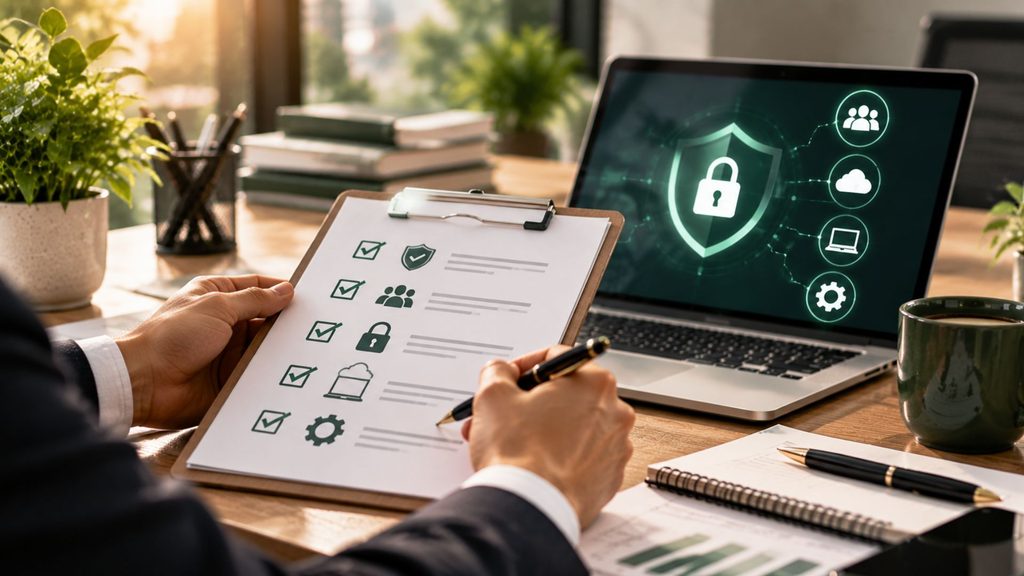
If you are not sure where to start, work through these five steps:
1. Turn on MFA
Start with email, banking, accounting and cloud systems.
2. Update everything
Turn on automatic updates where possible.
3. Back up important information
Make sure backups are secure and test that you can restore them.
4. Train your team
Make sure everyone knows how to identify phishing and payment scams.
5. Review access
Remove old accounts and check who can access sensitive information. These actions align with the ASD’s current small business guidance, which identifies MFA, software updates and backups as key starting points.
Cyber Security Is a Business Issue
You do not need to become a cyber security expert to protect your business.The important thing is to take practical steps, regularly review your systems and make cyber security part of your normal business routine.
For many small businesses, improving security starts with a few straightforward actions:
- Protect your accounts
- Update your systems
- Back up your data
- Make sure your team knows what to look for
If you are unsure whether your current systems and processes are adequately protected, speak with your IT provider or a qualified cyber security professional.
Frequently Asked Questions
What is the most important cyber security measure for a small business?
Start with multi-factor authentication, particularly for email, banking, accounting and cloud accounts. The ASD identifies MFA as one of the most effective security controls.
How often should a small business back up its data?
Backups should be performed regularly based on how important the information is and how quickly your business would need to recover. You should also test that backups can be restored.
What is the Essential Eight?
The Essential Eight is an Australian cyber security framework developed by the ASD. It includes strategies such as patching applications and operating systems, MFA, restricting administrative privileges and regular backups.
Can a small business be targeted by cyber criminals?
Yes. Small businesses face phishing, email compromise, ransomware, identity fraud and other cyber threats. The ASD recorded an average self-reported cybercrime cost of about $56,600 for small businesses in 2024–25.
What should I do if I think my business has been hacked?
Secure affected accounts, contact your IT or cyber security provider and document what has happened. You can also contact the Australian Cyber Security Hotline on 1300 CYBER1 (1300 292 371).
How Can We Help?
We are accountants and tax advisers, not cyber security experts. Like any business that holds sensitive client information, however, cyber security is something we take seriously, and we work with specialist cyber security and IT providers to help protect our systems and data. We also believe that a good accountant should understand more than just your annual tax return.
When we work with a business, we look at the broader picture, including your business structure, tax position, asset protection, accounting systems and the risks or issues that may need attention as your business grows.
That means our conversations with clients can extend beyond tax. We may identify areas that should be discussed with another specialist, whether that is cyber security, legal matters, finance, insurance or another area outside our expertise, and point you in the right direction.
If you are looking for an accountant who takes the time to understand your business and works with you throughout the year, please contact Camden Professionals on 08 9221 5522 or email info@camdenprofessionals.com.au.
General Information Disclaimer
The material on this page and on this website has been prepared for general information purposes only and not as specific advice to any person. Any advice contained on this page and on this website is General Advice and does not consider any person’s particular investment objectives, financial situation and particular needs.
Before making an investment decision based on this advice you should consider, with or without the assistance of a securities adviser, whether it is appropriate to your particular investment needs, objectives and financial circumstances. In addition, the examples provided on this page and on this website are for illustrative purposes only.
Although every effort has been made to verify the accuracy of the information contained on this page and on this website, Camden Professionals, its officers, representatives, employees, and agents disclaim all liability (except for any liability which by law cannot be excluded), for any error, inaccuracy in, or omission from the information contained in this website or any loss or damage suffered by any person directly or indirectly through relying on this information.
Recent Comments